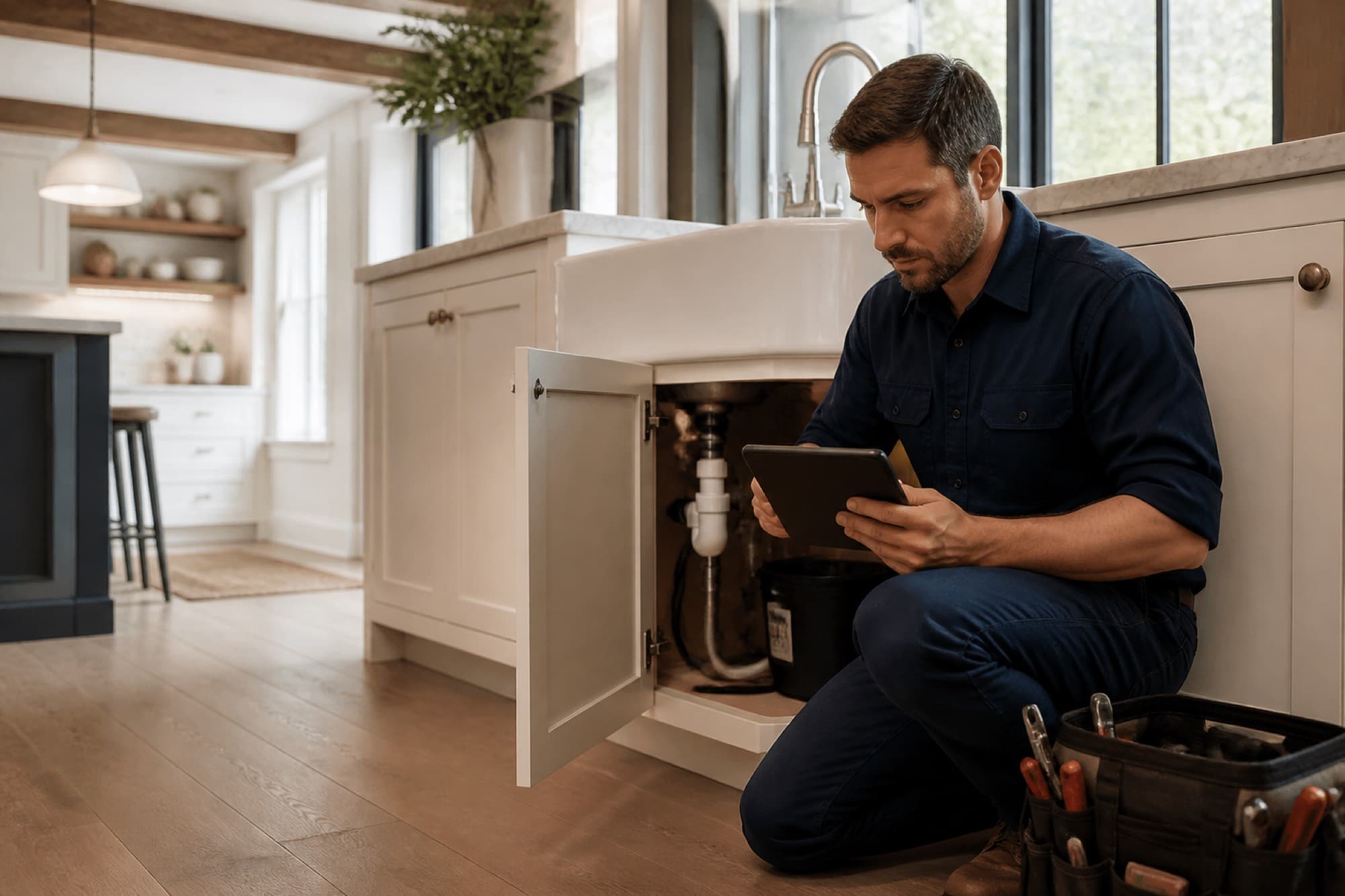
Big Project. Small Repair.Find the Right Pro.
Connect with local home service professionals for repairs, maintenance, and remodeling. Explore profiles, compare written estimates, and choose with confidence.
- Local professionals
- Written estimates
- Clear project details
Services
Browse services
Pick a category above, or browse every main service we list. Select a category to see its sub-services.
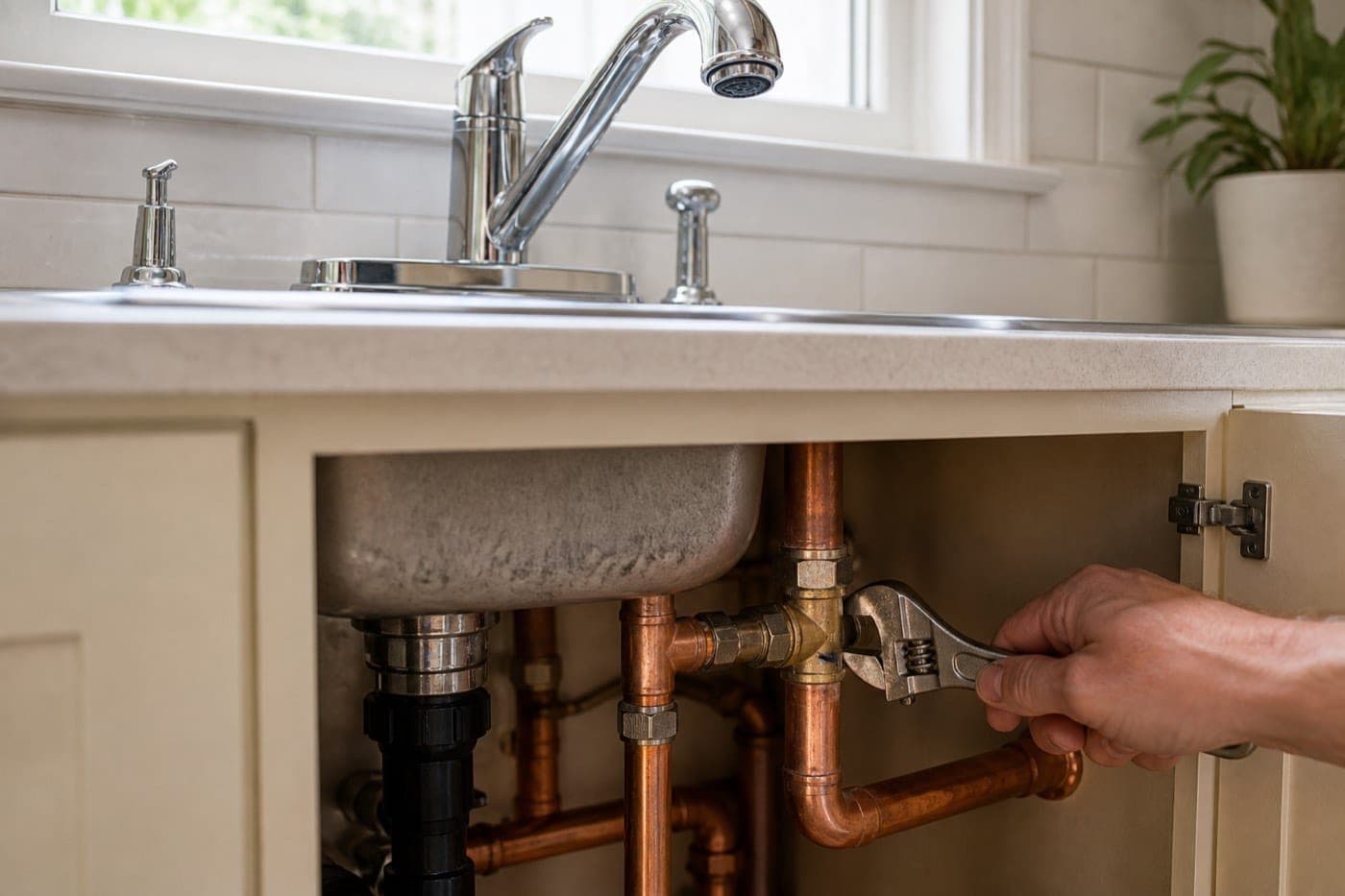
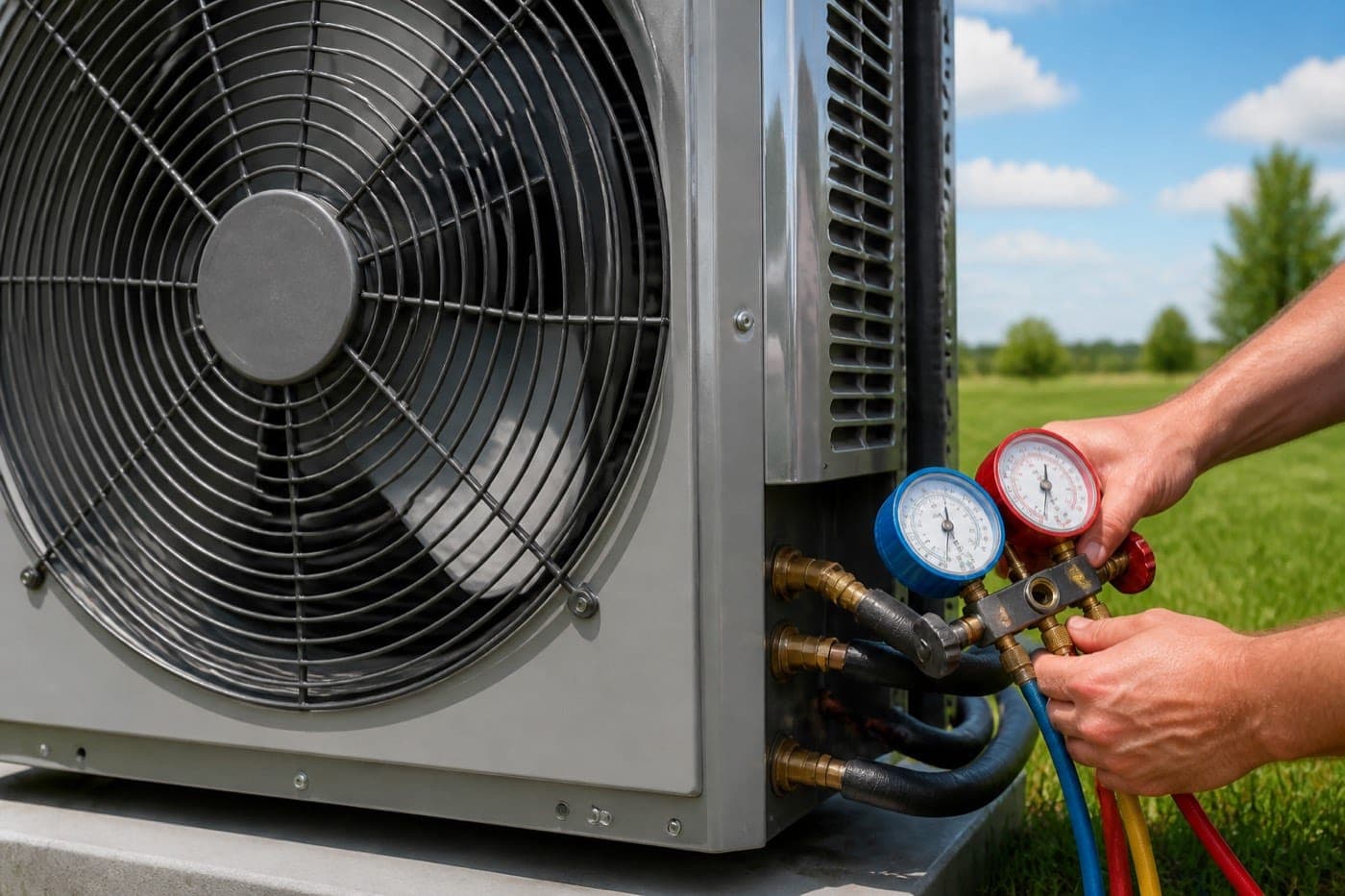
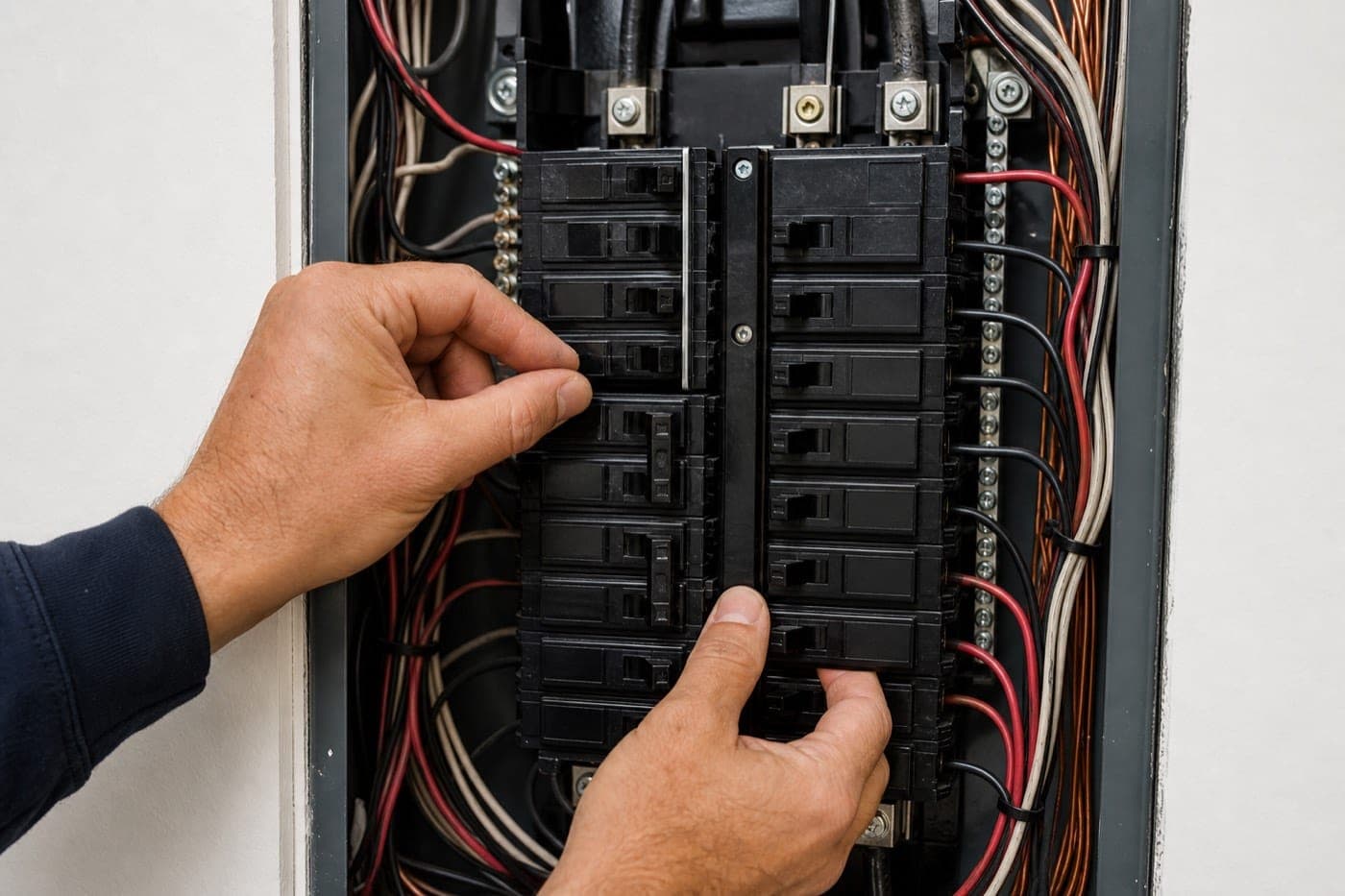




Peace of mind
You stay in control at every step.
Find a local pro, compare written estimates, and follow the work through to payment. Every step stays in one place and in writing, for you and your pro.
Your project, step by step
Example: water heater replacement · Aurora, IL
01
Choose a service
Plumbing
Select the category that matches the work you need.
02
Submit a request
Request sent
Add your ZIP Code, details, timing, and photos.
03
Connect with professionals
3 local pros
Matching local Pros review the request.
04
Review the estimate
EST-2841 · $1,840
Compare line items, materials, labor, and terms.
05
Approve and sign
Signed
Accept digitally. The original estimate is preserved.
06
Get the work completed
In progress
The approved estimate becomes a tracked job.
07
Pay
Settled
Pay deposit, progress, or balance on the invoice.
Built for homeowners
Find the Right Home Service Professional. Get the Job Done.
Tell us what you need, connect with local professionals, review written estimates, and manage your project—all in one place.
Built for your peace of mind
Hire With Confidence. Stay in Control.
Finding the right professional shouldn't involve guesswork. Explore local businesses, compare estimates, and make informed decisions about your home.
Know Who You're Hiring
Review business profiles, qualifications, and available license and insurance information.
Clear Written Estimates
Understand proposed work, materials, pricing, and terms before approving.
Customer Reviews
Learn from customer experiences and review completed projects where available.
Your Project, Organized
Keep estimates, schedules, approvals, and project communication in one place.